Secure file storage,
collaboration & version control.
Enterprise-grade encryption, version control, collaborative sharing — everything to manage files securely.
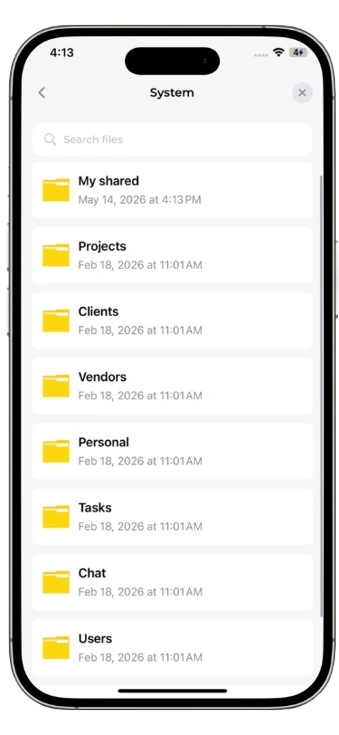
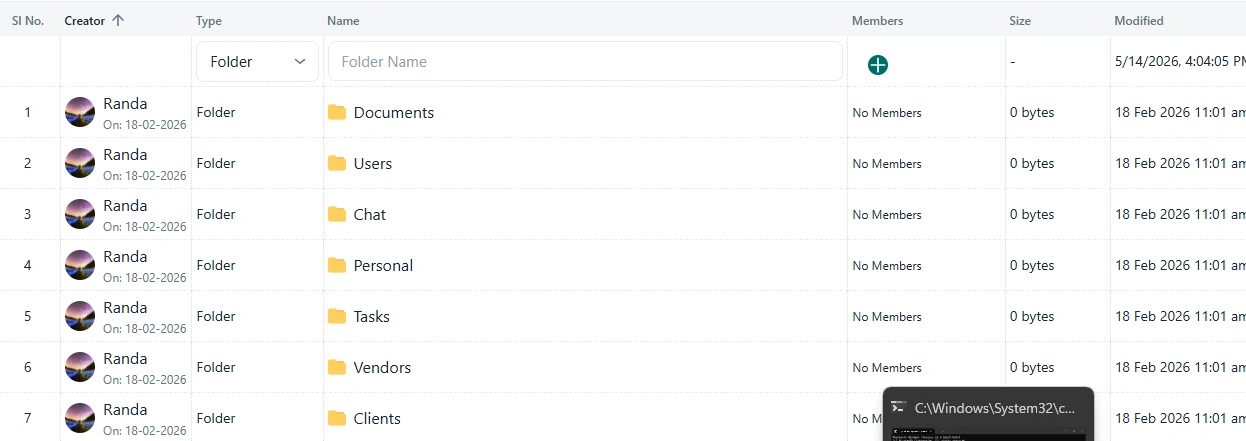
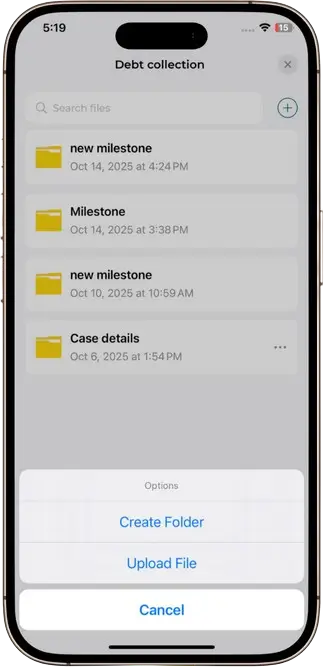
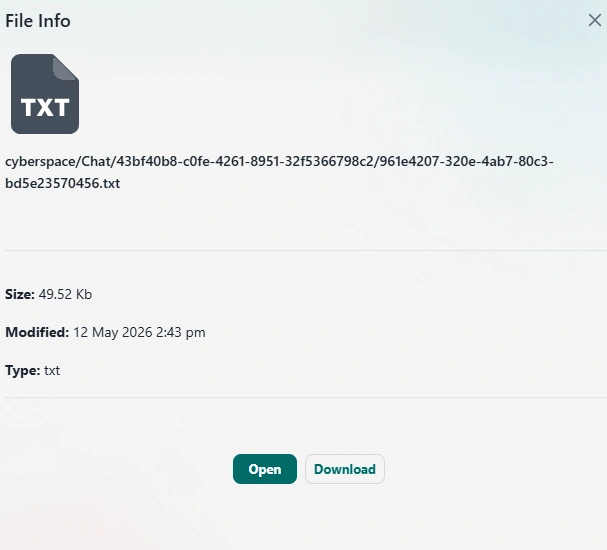
The File Repository and File Management module provides a centralized and secure environment for storing, organizing, accessing, and sharing business files across the organization. Similar in concept to cloud-based file storage platforms such as Google Drive or Microsoft OneDrive, this module enables users to maintain all important business files within the Novotak ecosystem.
Organizations generate and manage a significant volume of digital content every day, including proposals, presentations, contracts, invoices, reports, drawings, images, spreadsheets, technical documents, and other business-critical files. When these files are stored across multiple computers, email accounts, external storage platforms, and individual user accounts, it becomes difficult to maintain control, accessibility, and organizational knowledge. The Novotak File Repository addresses this challenge by providing a structured and centralized location for business files.
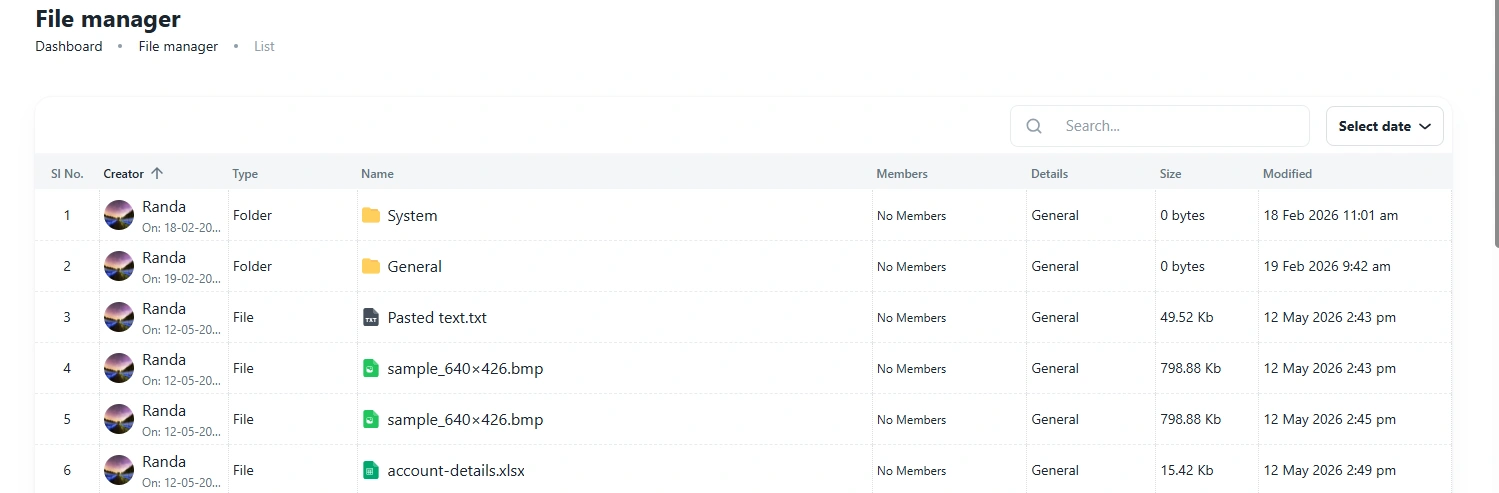
Files can be organized according to projects, departments, teams, customers, vendors, contracts, or other business categories. This allows users to locate information within the appropriate business context rather than searching through disconnected folders or applications. For example, all files related to a particular customer or project can be connected directly to the relevant record within Novotak.
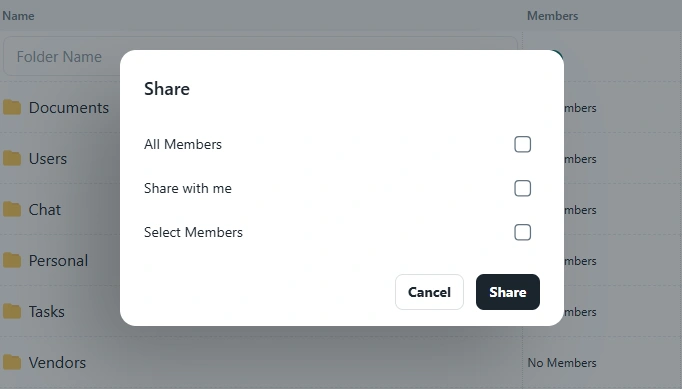
The module can support controlled file sharing and access management, ensuring that authorized users can access the information relevant to their responsibilities. This helps organizations maintain better governance over sensitive and important business information.
Because the File Repository is integrated with the wider Novotak ecosystem, files are not simply stored independently. A file can be connected with a task, project, customer, vendor, contract, communication, or other business activity. This creates a more intelligent and organized information environment.
The AI Agent further enhances the value of the File Repository by helping authorized users locate relevant information through natural language. Instead of manually searching through folders, users can ask questions such as which documents are related to a specific project, customer, vendor, or business activity. The AI can assist in identifying and retrieving relevant information based on the user's authorized access.
Secure Access
Encrypted file protection